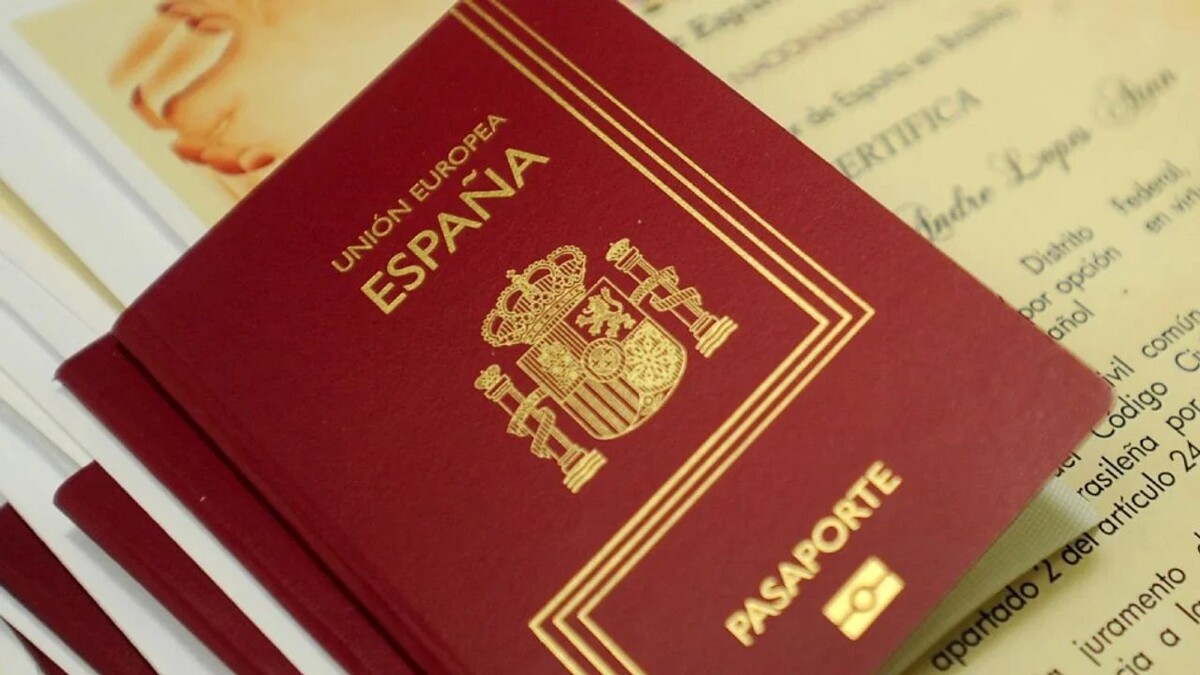
Buenos Aires, November 21 (NA) — Applying for or renewing a Spanish passport from Argentina can become confusing when an acronym appears that many do not know: the IDU, a number that identifies each procedure within the system of the Spanish Consulate.
What is the IDU and why is it important The IDU is the number that the system assigns when a person registers for the first time to request an appointment on the Consulate's website (www.cgeonline.com.ar). According to the Argentine News Agency, that code is linked to the procedure – passport, nationality, visas, marriage or birth registration – and serves to: • Consult the status of the procedure. • Modify an already assigned appointment. • Print the appointment confirmation. • Make faster procedures when the Consulate requests additional information. If an appointment was ever managed, even if it was not completed, the IDU remains active.
How to use the IDU and the password To enter the appointment system, you need two pieces of data: the IDU and the password. Only the Consulate can update that information. The step-by-step process is as follows: 1. Enter www.cgeonline.com.ar. 2. Choose “Online Procedures” and then “Manage or modify an existing appointment”. 3. Fill in the IDU and password fields (it is recommended to copy and paste to avoid errors in the characters). If both are correct, you can manage everything from the website. Once inside, you can: • Schedule a new appointment. • Change the appointment date. • Cancel an existing appointment. • Print the confirmation if you already have one assigned. Upon finishing, close the session.
Why doesn't it let me recover the IDU or the password One of the most frequent queries is why the system does not allow recovering the data. The most common reason is having changed the email address from the one used to create the IDU for the first time. Since the system only recognizes the original email, any attempt with a new one will fail. If that happens, you must request the email update by sending an email to the corresponding area: • Passports: cog.buenosaires.pas@maec.es • Nationality: cog.buenosaires.rgc@maec.es • Visas: cog.buenosaires.vis@maec.es • Marriages: cog.buenosaires.mat@maec.es In all cases, a photo of the back of the ID must be attached. If the procedure is for a minor, the ID of one of the parents must also be added.
How to recover the password if you forgot it If only the password is lost, and the registered email is correct, the system allows you to recover it: 1. Enter the Consulate's recovery link. 2. Enter the IDU and the email address. If the data matches the registered ones, an email with the new password arrives. If the system shows an error message (“incorrect data”), you must write to the corresponding area, sending a copy of the ID and the data entered to verify the information.
How to change the password The password cannot be modified from the website. The only one who can do it is the Consulate staff, and to request that change, you must also write to the corresponding email according to the IDU type: • Passport IDU (PW): cog.buenosaires.pas@maec.es • Nationality IDU (NW): cog.buenosaires.rgc@maec.es • Visa IDU (VW): cog.buenosaires.vis@maec.es • Marriage IDU (MW): cog.buenosaires.mat@maec.es In addition to the description of the request, the photo of the back of the ID must be attached (and in the case of minors, also that of one of the parents).